DEMO REEL
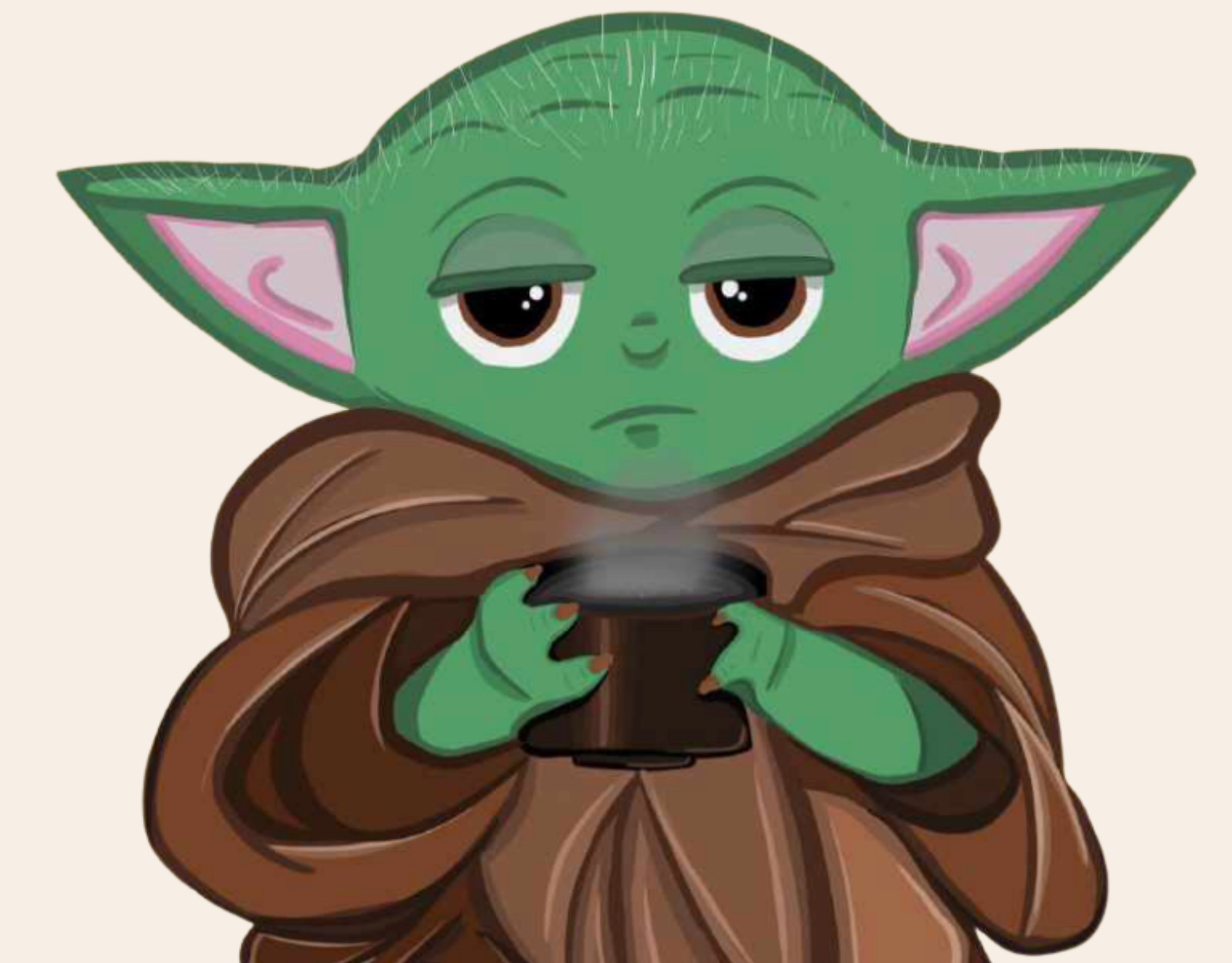
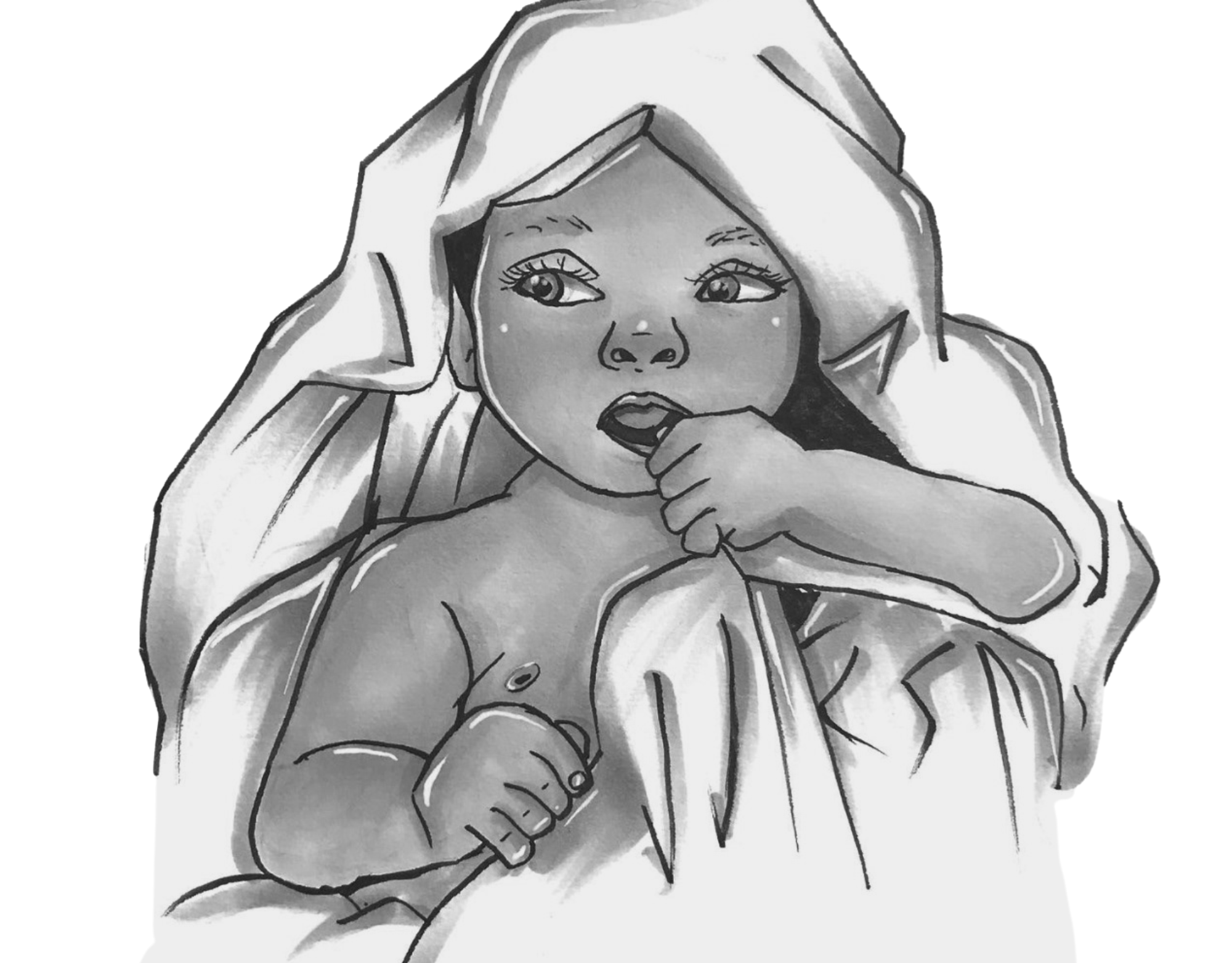
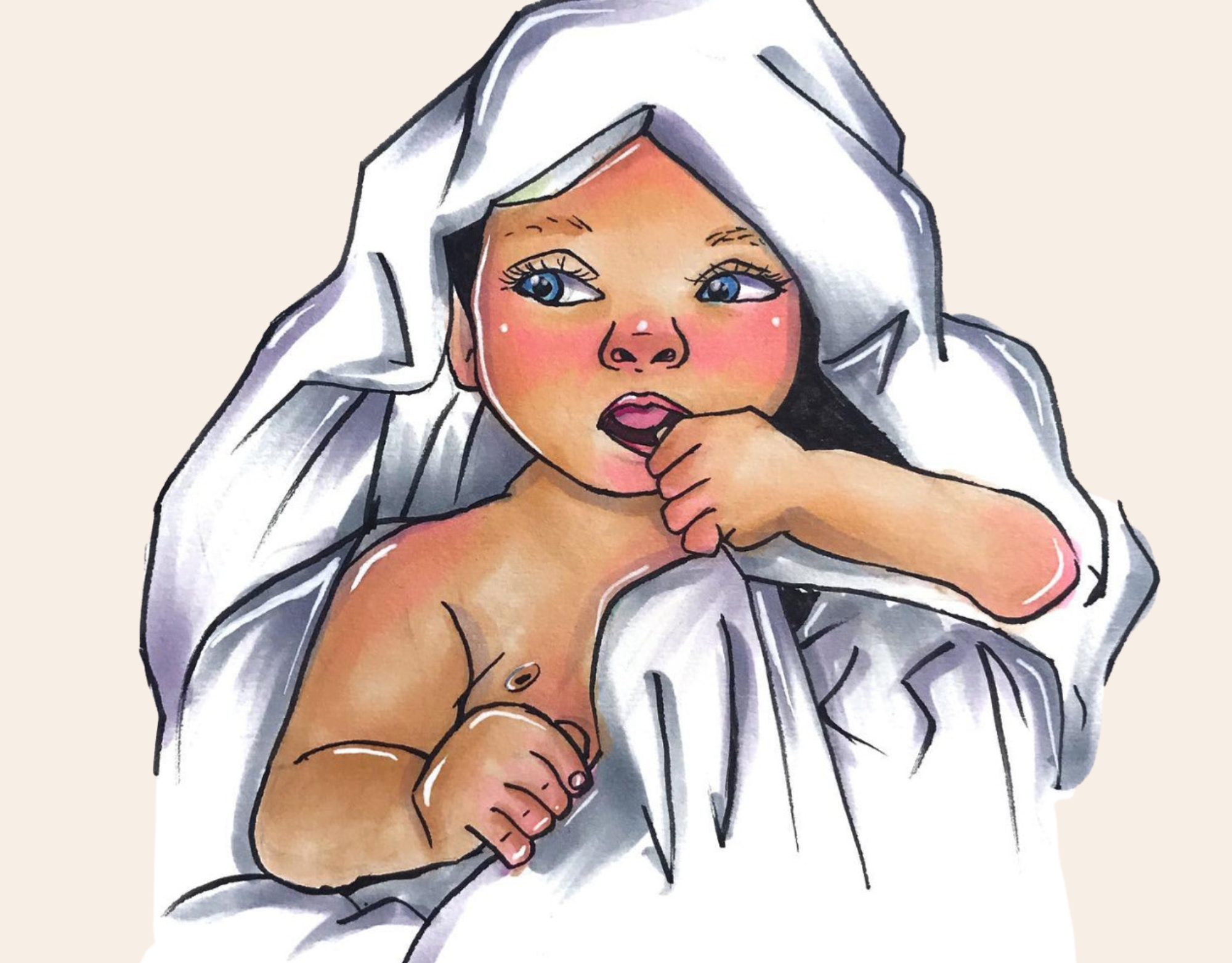
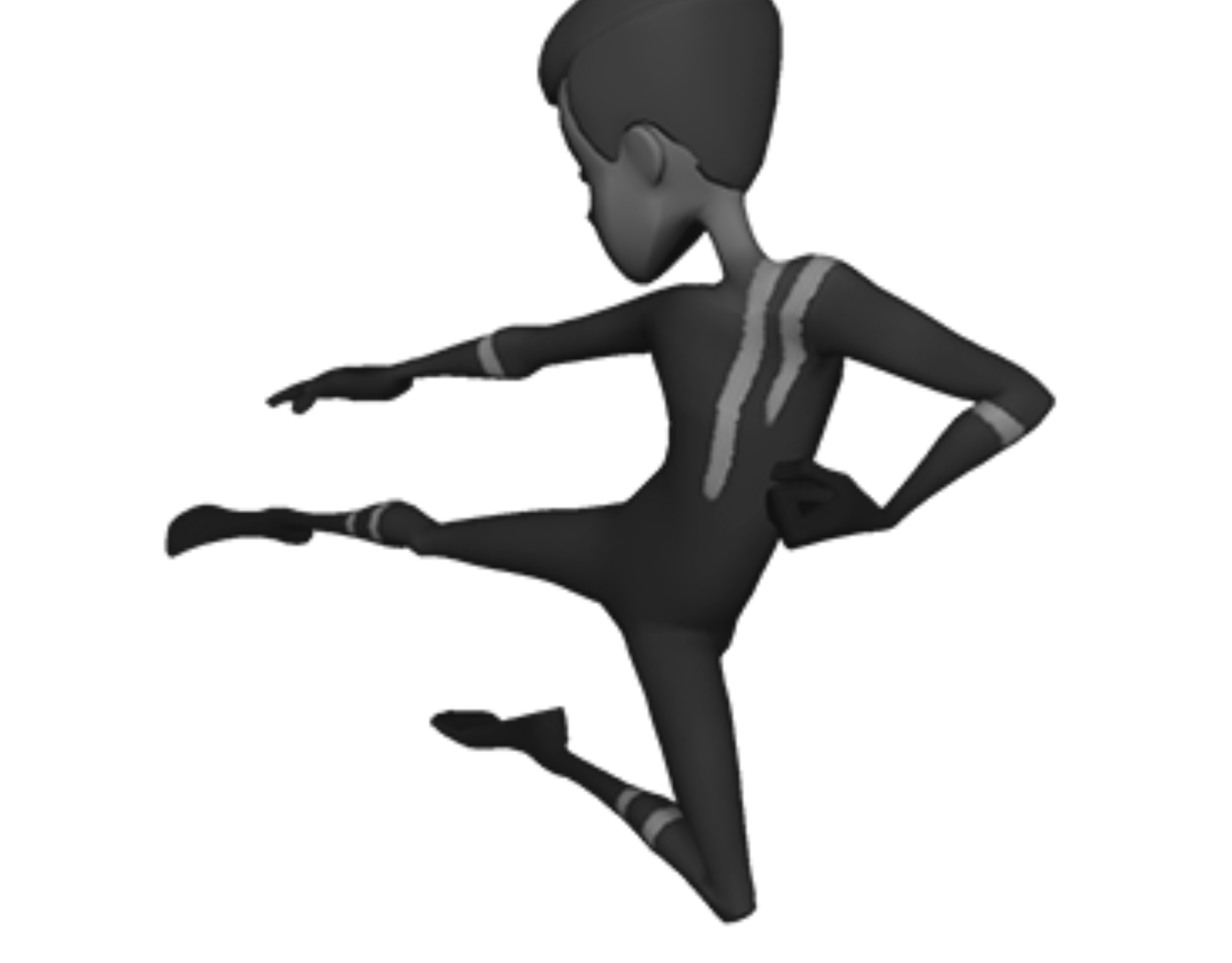
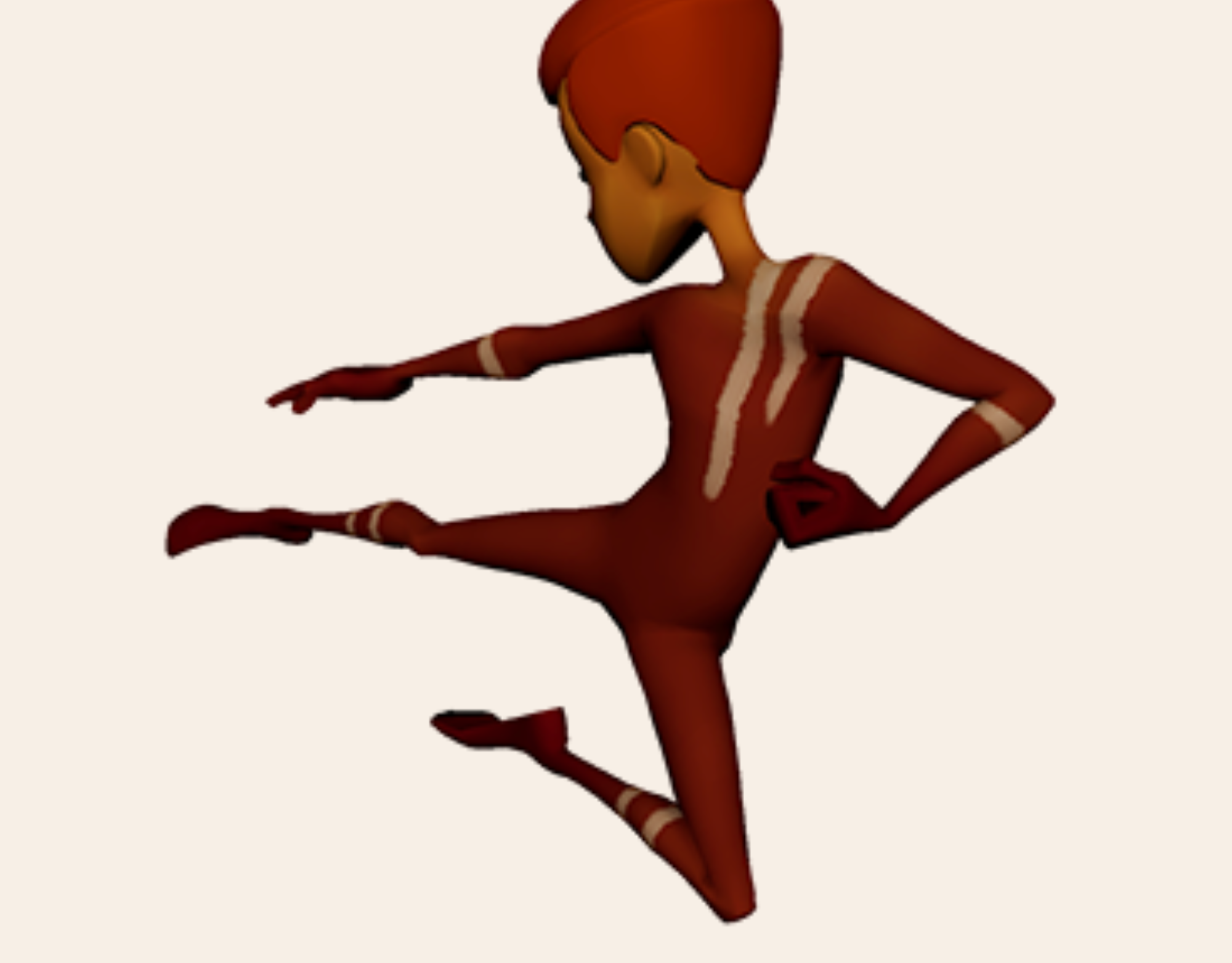
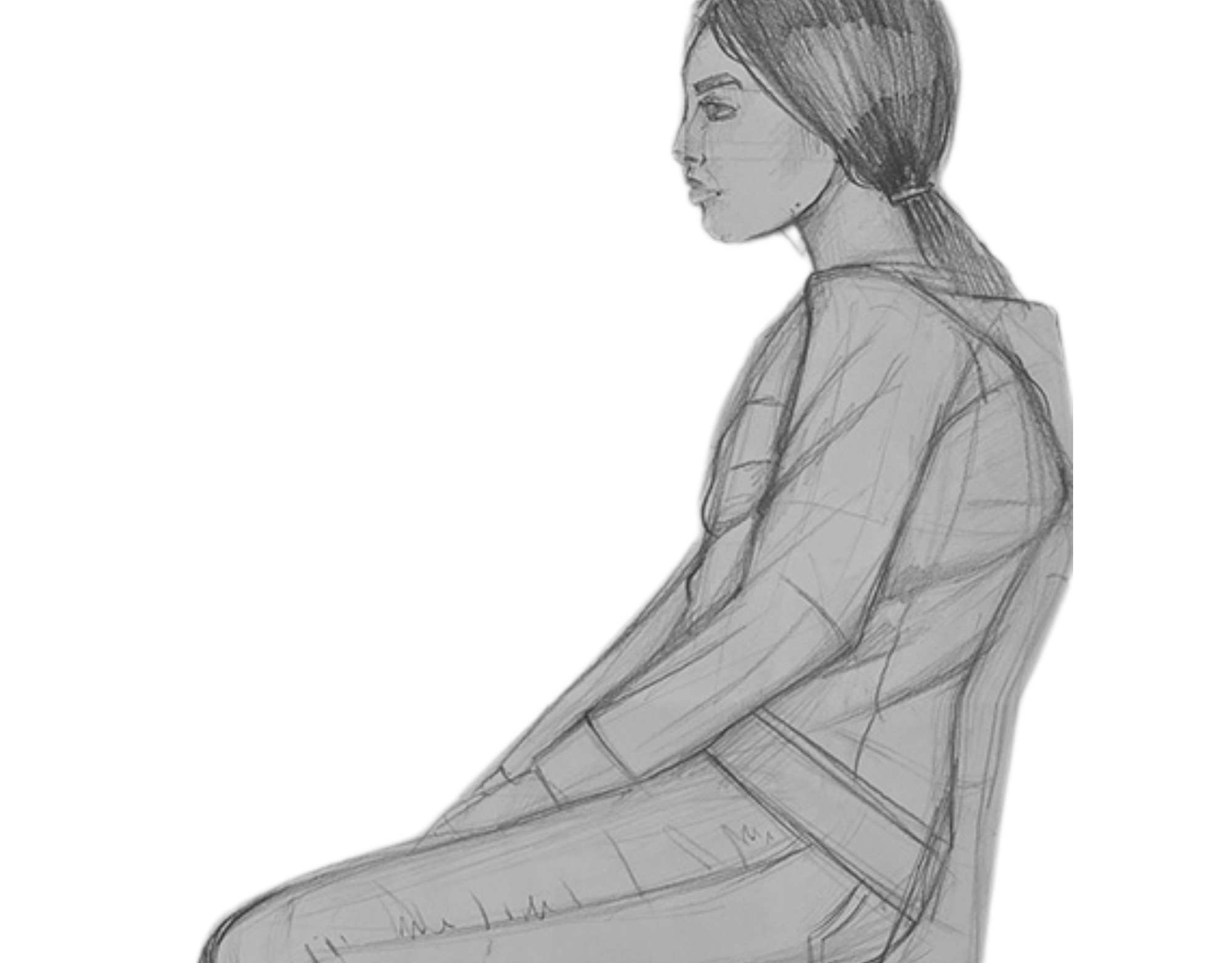
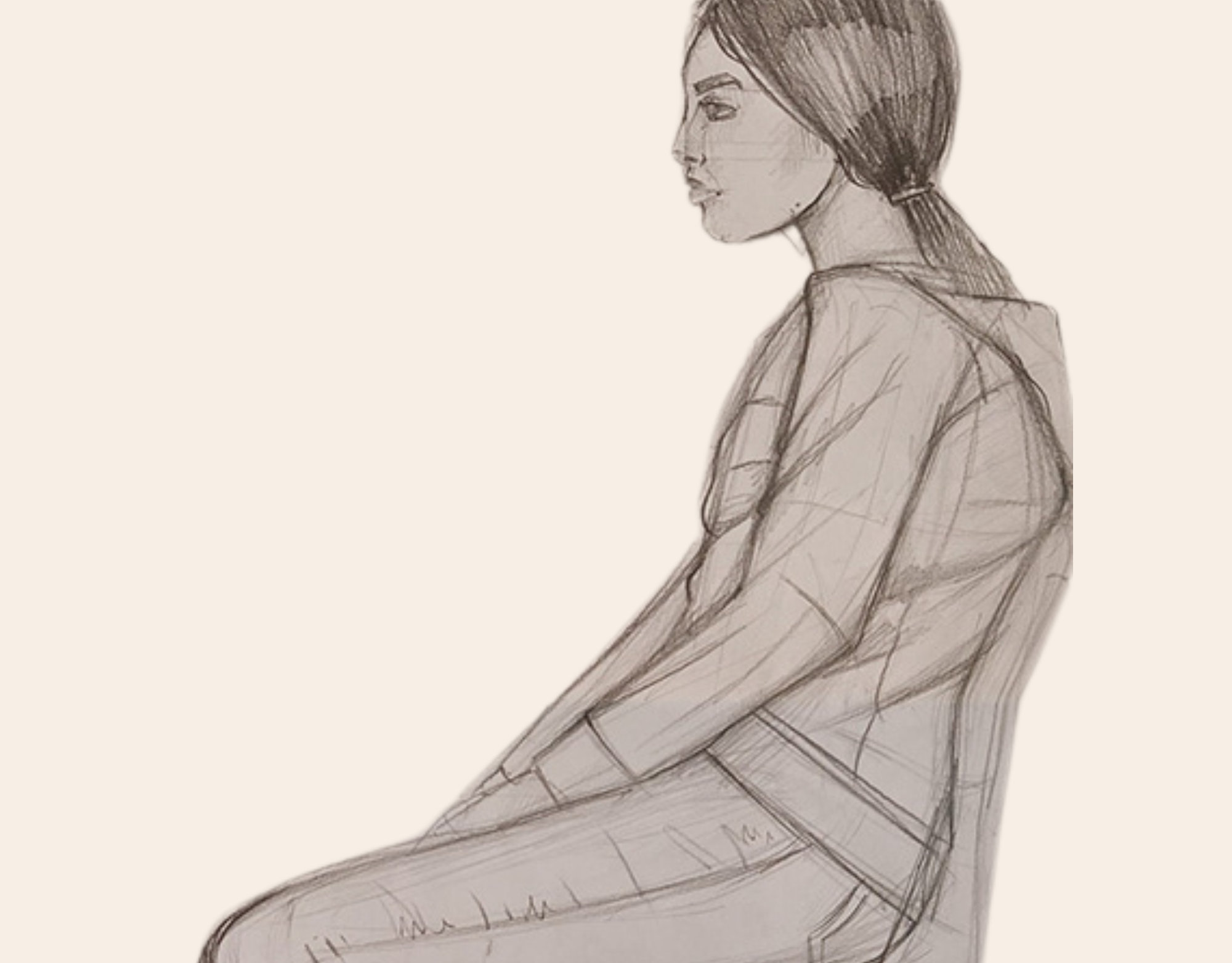
My first ever animation I have created for my first assignment for the Academy of Art University class, and below, see sketches of this animation. I also actively reference material from books such as "The Animator's Survival Kit" by Richard Williams, "The Illusion of Life Disney Animation" by Frank Thomas and Ollie Johnston, and various online resources
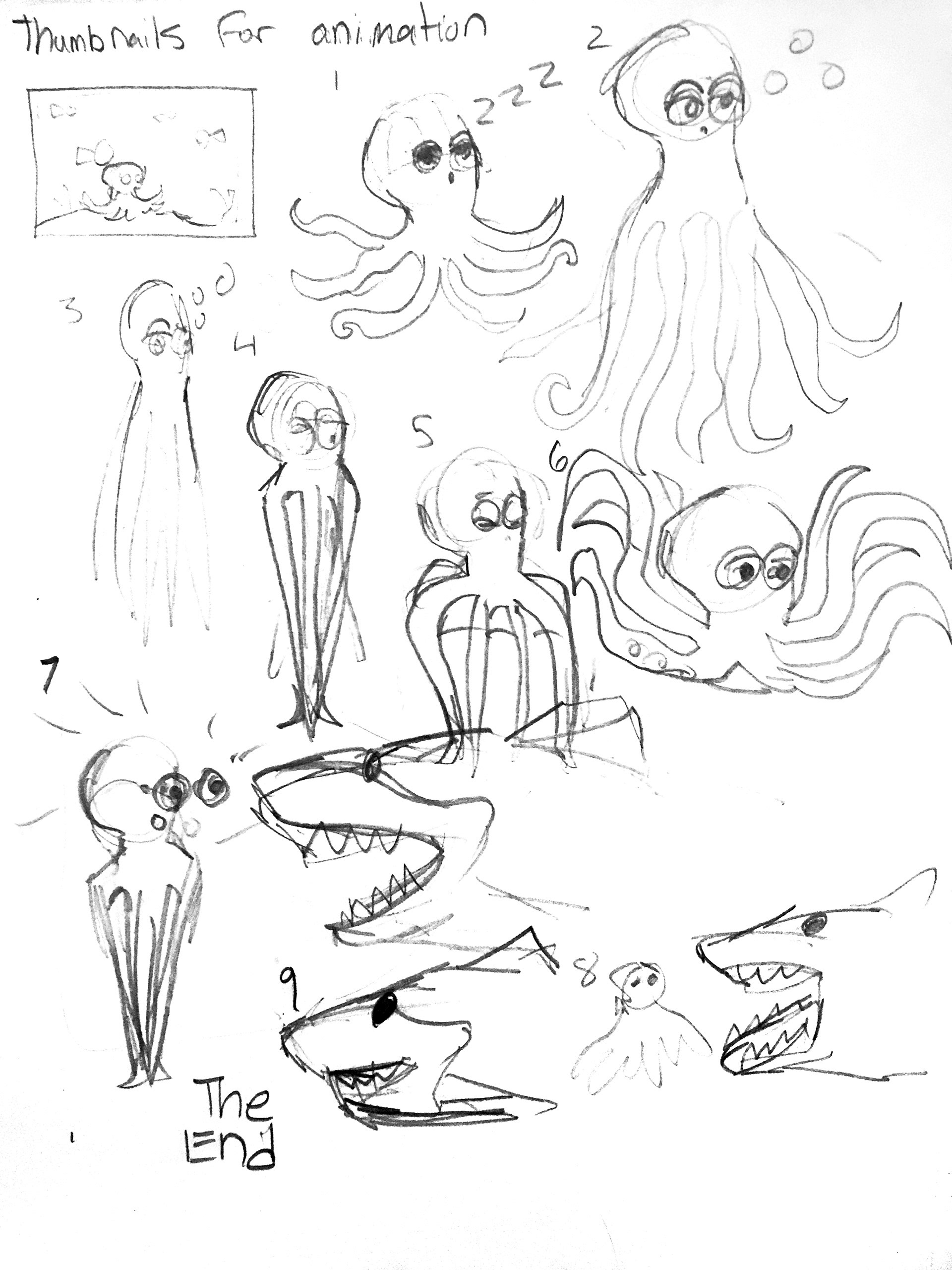
Thumbnails for Animation
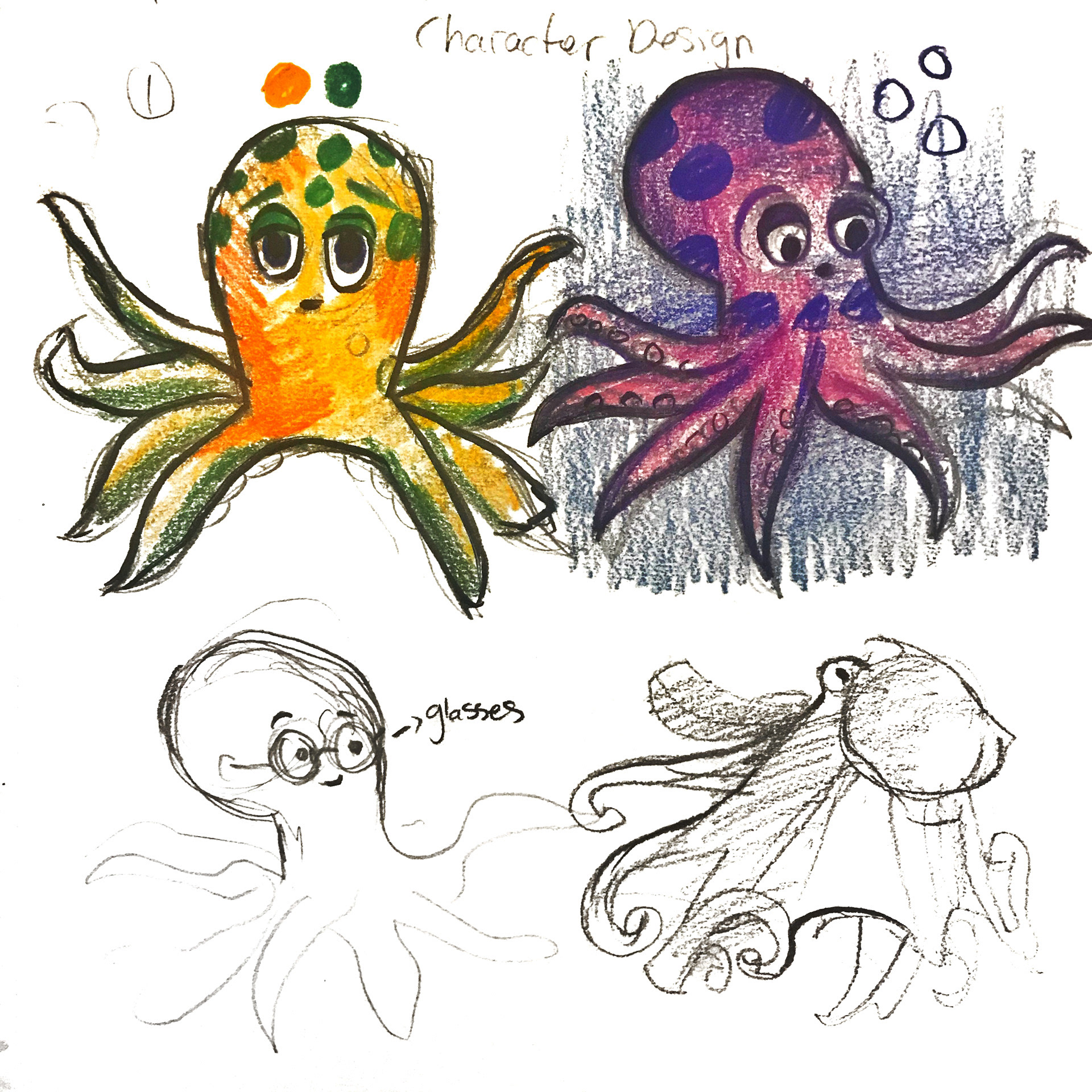
Animation Sketches
I was inspired by Walt Disney, Pixar, Studio Ghibli, DreamWorks, and Laika movies and books I read as a little girl. Ie enjoyed animation and stop-motion films and was intrigued by how they are made behind the scenes. I love reading imagination-provoking books, which allowed me to create art today.
Animation is a process in which figures are manipulated to appear as moving images. In traditional animation, designs are drawn or drawn by hand on transparent celluloid sheets to be photographed and exhibited in the movies. However, most content is made with CGI. Computer animation can be very detailed in 3D animation, which is improving daily.
You can use 2D computer animation for stylistic reasons, low bandwidth, or faster real-time renderings. Other standard animation methods apply a stop motion technique to two and three-dimensional objects like paper cutouts, puppets, or clay figures.
I enjoy watching TheOdd1sOut and Jaiden animation clips. Nowadays, Youtubers have become so famous that people want to see Jaiden's animation's face and are waiting for her face to be revealed. There are many opportunities, even for a one-person team, as long as you have a story and can utilize some of the available animation tools.
There are plentiful Animation Software are out there to use, such as:
Adobe Animate is a multimedia development and digital animation program developed by the Adobe Company. You can design vector graphics and animation for TV series, animation, websites, web applications, rich web applications, game development, and commercials.
Biteable is a video-maker solution designed to help marketers, HR representatives, agencies, and entrepreneurs create animated videos for Facebook and Instagram advertisements, cartoons, commercials, presentations, and more using customizable templates.
Powtoon is a U.K.-based service that sells cloud-based animation software for creating animated presentations and animated explainer videos.
You can also access free animation software such as Animaker, a DIY video animation software, KeyShot, K-3D, PowToon, Pencil2D, Blender, Synfig Studio, and Plastic Animation Paper.
The internet is equalizing the entertainment industry; now, all are welcome to tell their stories, and people are eager to watch, enjoy and learn.
ANIMATION / STOP MOTION videos
PLA Planner – Credit Award for 3D Production & Animation/3D Modeling
Anisa Ozalp received 10 credits total for her prior learning in 3D Production and Animation/3D Modeling. The evaluator, Christine Holzer, recommended awarding 4 credits for 3D Production and 6 credits for Animation/3D Modeling.
The evaluation was based on Anisa’s learning essay, interview, portfolio, and documentation from several programs, including Anima Okul – 3D Character Animation, Animation Mentor – Maya Workshop, and Shih Chien University. Her portfolio links included work from Anima Okul and her animation portfolio.
Anisa’s learning showed advanced experience in 3D modeling, animation, sculpting, rendering, topology, UV mapping, rigging, texturing, lighting, and production workflows. Her training included tools and software such as Maya, ZBrush, Arnold/V-Ray, Fusion, Adobe Substance 3D Painter, Unreal Engine, and Houdini. She also completed projects involving character animation, 3D production, professional modeling, rendering, and visual development, demonstrating strong technical and creative skills in digital animation and 3D design.
My 3D Production and Animation-Making Learning Journey
I am a multidisciplinary artist with formal professional training in 3D modeling, rendering, and character animation. I developed this knowledge through structured, studio-oriented programs aligned with industry workflows, critiques, and production standards.
My primary training was completed at Anima Okul in Istanbul, Türkiye, where I finished a 6-month 3D Modeling & Rendering course (144 hours) using Autodesk Maya, ZBrush, Arnold/V-Ray, Adobe Substance, and Fusion. This coursework focused on both inorganic and organic modeling, realistic texturing, lighting, rendering, and compositing. My final project involved building and rendering a complete 3D scene called AO Burger. I also completed a 1-year 3D Character Animation course (108 hours) using Autodesk Maya, with an emphasis on animation principles, character rigging, facial expressions, posing, and movement for both cinematic and game-oriented workflows. Together, these programs emphasized applied production practice with industry-standard tools, building technically reliable assets, understanding pipeline expectations, and refining work through repeated critique and revision.
I also completed the Maya Workshop at Animation Mentor, a 6-week course focused on essential 3D animation techniques in Autodesk Maya. The workshop covered Maya fundamentals and animation tools, with assignments including a rigged character jump, posing and head-turn exercises, and a mechanical robot arm animation, all supported by feedback and iterative revision.
In addition, I completed Adobe training through the Continuing Learning Center at Shih Chien University (81 hours), covering Photoshop, Illustrator, and InDesign, and earned my Adobe certification. This coursework strengthened my ability to prepare and refine textures, create graphic assets such as logos, decals, and typography elements, and present work professionally for critique and review. This training supported the visual communication and presentation components of my 3D production workflow.
This learning was completed through professional and continuing education and was awarded academic credit on my ESU transcript. Based on the total time invested (333 hours of coursework plus a 6-week workshop), the depth of study, and the applied integration of this training, I developed advanced knowledge in 3D production and animation workflows.
TRAINING OVERVIEW
Anima Okul — 3D Modeling & Rendering (144 hours; Istanbul, Türkiye; 6 months)
Tools: Maya, ZBrush, Arnold/V-Ray, Substance, Fusion
Learned hard-surface and organic modeling, texturing, lighting, rendering, and compositing. Completed a final project featuring a fully modeled and rendered 3D scene.
Tools: Maya, ZBrush, Arnold/V-Ray, Substance, Fusion
Learned hard-surface and organic modeling, texturing, lighting, rendering, and compositing. Completed a final project featuring a fully modeled and rendered 3D scene.
Anima Okul — 3D Character Animation (108 hours; Istanbul, Türkiye; 1 year)
Tool: Maya
Learned character animation principles and workflows, including rigging, posing, facial animation, body mechanics, and critique-based revisions. Created portfolio-ready animation shots.
Tool: Maya
Learned character animation principles and workflows, including rigging, posing, facial animation, body mechanics, and critique-based revisions. Created portfolio-ready animation shots.
Animation Mentor — Maya Workshop (6 weeks)
Tool: Maya
Learned Maya fundamentals and animation tools through assignments including a character jump, posing exercises, head turns, and robot arm animation, supported by feedback and revisions.
Tool: Maya
Learned Maya fundamentals and animation tools through assignments including a character jump, posing exercises, head turns, and robot arm animation, supported by feedback and revisions.
Shih Chien University — Continuing Learning Center — Adobe Training (81 hours; Adobe certification earned)
Tools: Photoshop, Illustrator, InDesign
Learned to create design assets and presentation materials, including texture preparation, logos, decals, typography, and professional project layouts.
Tools: Photoshop, Illustrator, InDesign
Learned to create design assets and presentation materials, including texture preparation, logos, decals, typography, and professional project layouts.
AREAS OF KNOWLEDGE
3D MODELING & DIGITAL SCULPTING
3D modeling and sculpting are the foundation of digital asset creation. Through training in Autodesk Maya and ZBrush, primarily at Anima Okul and reinforced through Animation Mentor, I learned to build forms that are visually accurate and suitable for rigging, UV mapping, texturing, and rendering.
In Autodesk Maya, I developed polygon-modeling skills for structured, production-ready assets. Although it was difficult at first, structured education made the process much easier to understand. At Animation Mentor, I modeled architectural forms using basic shapes, including a house assignment in which we designed a home with personality. This project taught me how to construct clean geometry by working with vertices, edges, and faces while maintaining clean topology and consistent scale.
At Anima Okul, I strengthened my Maya modeling skills further by creating stylized pieces such as Minions from Despicable Me and a bedroom scene with detailed props like a bed, table, and accessories. I continue improving these skills to this day.
One of my most important takeaways is that topology quality is critical because it affects subdivision behavior, shading, UV efficiency, and animation deformation. A major area of growth for me was learning to prioritize structure first by blocking primary forms, refining secondary shapes, and adding detail only after the silhouette and proportions were correct.
In ZBrush, I strengthened my ability to create sculptural, organic forms. At Anima Okul, I studied anatomy through portrait sculpting and other organic objects. One example is a full-body sculpt of Neytiri from Avatar, where I developed everything from facial details to clothing, anatomy, and overall proportions. This project taught me a great deal because it combined nearly every major aspect of character sculpting. While sculpting, I used multi-angle references, including front, side, and back views, to achieve more accurate results. I learned that refining large shapes before adding smaller details is essential for strong sculptural work.
A project that demonstrates this integrated knowledge is my AO Burger branded asset set. I modeled layered ingredients such as buns, cheese, meat, lettuce, fries, and a drink. I first created the base forms in Maya, then imported the models into ZBrush to smooth and refine the assets before preparing them for rendering.
RENDERING AND LOOK DEVELOPMENT
Rendering quality depends on how lighting, materials, and composition work together to communicate form and guide the viewer’s attention. Through my training at Anima Okul in Arnold and V-Ray, I learned lighting fundamentals and how to build lighting setups and textures that reflect real-world surface behavior.
Building on earlier modeling assignments such as the Animation Mentor house exercise, I learned that once the design and modeling are complete, the next step is rendering and lighting. After modeling the house, I followed a structured rendering workflow. I began by setting up a simple lighting rig to ensure the forms read clearly, then checked the render from multiple angles to confirm silhouette, depth, and visual clarity. Once the lighting worked correctly, I developed materials and textures, refining values so surfaces responded naturally to light.
This process taught me how lighting decisions can either support the structure of a model or make it appear flat and unrealistic, even when the geometry is strong.
In the AO Burger project, I followed the same workflow by blocking the lighting first, confirming readability, and then refining materials so each ingredient remained visually distinct and balanced in the final image. I also used Fusion to polish the presentation, reinforcing the idea that professional rendering includes final image preparation beyond the raw render itself.
CHARACTER ANIMATION PRINCIPLES
My training at Anima Okul in the 3D Character Animation program, reinforced through Animation Mentor’s Maya Workshop, began with the fundamentals of animation before progressing into body mechanics and performance. The foundation stage focused on understanding how motion works at its most basic level before applying those principles to full characters.
In the beginning, we worked on ball animation exercises, which are essential for learning the core principles of animation. These included bouncing-ball assignments focused on ease in and ease out, timing, spacing, squash and stretch, and weight. Although the exercise seems simple, it teaches the foundation of all animation.
Through these exercises, I learned how spacing creates the feeling of gravity, how tighter spacing at the top of a bounce creates hang time, and how wider spacing during the fall creates acceleration. I practiced adding squash at impact and stretch during fast movement to make the animation feel more dynamic and believable.
At first, even animating a simple ball was challenging. Small mistakes in timing or spacing made the motion feel floaty or mechanical. This stage taught me to carefully adjust keyframes and use the Graph Editor to control acceleration and deceleration. I gradually learned how ease in and ease out shape the rhythm of motion and how clean curves are essential for smooth, natural animation.
Once these fundamentals became clearer, we progressed into more advanced work such as body mechanics and performance. However, the lessons from the foundational exercises remained essential throughout every stage of animation.
BODY MECHANICS AND PERFORMANCE FOR ANIMATION
Believable character animation depends on both physical realism and emotional intention. My training at Anima Okul moved beyond the fundamentals and into body mechanics and performance, where I learned to combine strong mechanics with clear acting choices.
On the body mechanics side, I studied weight transfer, balance, center of gravity, momentum, and contact forces. Through assignments such as walk cycles and a parkour shot, I learned how to make movement feel grounded and believable.
For the walk cycle assignment, I animated different rigs and character types to express different personalities through the same basic action. This taught me how subtle changes in posture, rhythm, and body movement can completely change how a character feels.
For the parkour shot, I modeled the environment myself and animated a ninja character climbing a wall and jumping down to land on the other side. This project taught me how to structure movement into clear beats such as approach, climb, push-off, impact, and recovery while communicating force and momentum through timing and contact poses.
As the work became more performance-focused, posing evolved into a storytelling tool rather than simply a technical step. I practiced emotional posing using happy, angry, and sad expressions, which taught me how silhouette clarity and line of action help audiences quickly understand a character’s emotional state.
This eventually led into acting and dialogue work. One major assignment was a lip-sync acting shot of approximately 30 seconds using audio of my choice. I learned how to break dialogue into beats, plan poses around emotional intention, and support performance with facial expressions, eye direction, and timing. Overall, I learned that strong animation performance comes from intentional choices, controlled exaggeration, and purposeful timing.
3D PRODUCTION PIPELINE & WORKFLOW
A production pipeline is the structured workflow that moves work through modeling, sculpting, shading, texturing, lighting, animation, and rendering while keeping assets technically clean and compatible across every stage.
Learning to think in pipeline terms improved both my speed and the quality of my work because it reduced preventable errors and helped me create assets that function properly through rigging, UV mapping, shading, and final rendering.
At Anima Okul, the curriculum was designed to reflect a studio-style production pipeline. I began with fundamentals before progressing into body mechanics, performance, staging, layout, camera work, lighting, and rendering. This structure reinforced a professional mindset focused on planning shots, working in stages, and refining projects through critique and iteration.
Across multiple projects, I practiced pipeline thinking by moving assets through several production stages. For example, in the AO Burger project, I modeled the base forms in Maya, refined them in ZBrush, then moved into lighting, rendering, and final compositing in Fusion.
In animation work, I followed the professional workflow of blocking → spline → polish, using references, critiques, and revisions to improve clarity and performance.
Alongside the technical work, I also developed professional habits such as organized file structures, version control, consistent naming conventions, and non-destructive workflows. I gained troubleshooting experience solving problems such as broken shader connections, inconsistent scale, heavy scenes that slowed playback, and rendering inconsistencies.
TEXTURING AND ADOBE WORKFLOW INTEGRATION
Texturing gives a 3D model its surface appearance, including color, roughness, shine, and small visual details that make the object feel believable rather than plain gray geometry.
At Anima Okul, I learned texturing in Maya and Substance 3D Painter. I typically begin with a base material and gradually build detail in layers by adding variation, patterns, and wear using masks so the textures remain flexible and easy to revise.
One of the most important lessons I learned was not to paint lighting directly into textures. Instead of adding fake highlights or shadows, I focus on strong values, material separation, and roughness variation so the textures remain accurate under any lighting setup.
My Adobe training at Shih Chien University also became an important part of my workflow. I frequently use Photoshop to create or edit texture elements such as labels, patterns, and color adjustments before importing them into Maya or Substance Painter. I also use Illustrator to create logos and graphic design elements.
In my AO Burger project, I textured the entire asset set in Substance Painter using a painterly, stylized approach rather than photorealism. I hand-painted each ingredient using visible brush textures and artistic surface treatment, giving every object its own material identity while maintaining visual consistency across the scene.
PORTFOLIO DEVELOPMENT AND PRESENTATION
Portfolio development is the process of selecting, refining, and presenting work in a way that demonstrates professional readiness. Through my training at Anima Okul and Animation Mentor, I learned that an animation demo reel should be a carefully curated collection of the strongest work rather than simply a collection of everything completed during training.
After finishing my coursework, I created an animation demo reel that reflected my development from foundational exercises into body mechanics and performance work. While building the reel, I focused on choosing pieces that were polished, readable, and professionally presented.
One of the most important lessons I learned through critique was that removing weaker work often improves a reel more than adding additional content. I also learned how sequencing affects presentation by placing stronger shots first, maintaining good pacing, and labeling work clearly for reviewers.
Overall, my demo reel reflects not only technical ability, but also my understanding of presentation, editing, and professional evaluation standards.
CONCLUSION
My learning in 3D production reflects structured, critique-driven training built around professional studio workflows. Through Anima Okul, Animation Mentor, and Shih Chien University, I gained experience across the full production process, including modeling, sculpting, texturing, surfacing, lighting, rendering, animation, acting, pipeline workflow, and presentation.
One of the most important lessons I learned is that strong work depends on how every stage connects together. Clean modeling supports texturing and rendering. Strong posing and timing support performance. Lighting and materials improve readability. Organized workflows and version control make revision safer and more efficient.
Across projects such as my AO Burger asset set and my animation assignments ranging from blocking and polish to facial expression and lip-sync acting, I learned how to plan ahead and create work that remains strong through every stage of production. Just as importantly, I learned how to improve through critique by identifying specific problems, making targeted revisions, and refining work until it met a professional standard.
My goal is to continue developing as a 3D artist in a studio-style environment while producing reliable, production-ready work that demonstrates both creative intent and technical discipline.
In total, I completed 333 hours of coursework plus a 6-week workshop, along with significant additional time outside of class completing assignments and refining projects. Based on the depth, rigor, and continued application of the training I completed through Anima Okul, Animation Mentor, and Shih Chien University beyond what is shown on my academic transcript, I also received 6 upper-division undergraduate credits in 3D Production through my university’s Prior Learning Assessment (PLA) program.
ANIMATION SOFTWARES I USE:
Autodesk Maya

Unreal Engine
ZBrush
Fusion
Animated World
Immerse yourself in the captivating realm of animation, where creativity knows no bounds. Anisa Ozalp, an avid animator and artist, invites you to witness the magic of animation through her work. Drawing inspiration from industry giants such as Walt Disney, Pixar, Studio Ghibli, DreamWorks, and Laika, Anisa's passion for animation was ignited from a young age. Her first-ever animation, created for an assignment at the Academy of Art University, laid the foundation for her artistic journey. Drawing from esteemed resources like "The Animator's Survival Kit" and "The Illusion of Life Disney Animation," Anisa continuously hones her craft. Animation takes various forms, including traditional animation, 2D animation, 3D animation, motion graphics, and stop motion. The possibilities are boundless, from hand-drawn designs on celluloid sheets to cutting-edge computer-generated imagery (CGI). Anisa's love for imagination-provoking books has played a pivotal role in shaping her artistic abilities. As a testament to the evolving animation landscape, Anisa draws inspiration from popular YouTube animators like TheOdd1sOut and Jaiden Animations. With the democratization of animation tools and software, even a one-person team can bring their stories to life. Anisa utilizes software such as Adobe Animate, Biteable, and Powtoon. Whether it's creating mesmerizing stop motion videos or leveraging industry-standard software like Autodesk Maya, Unreal Engine, ZBrush, and Fusion, Anisa's expertise shines through in her captivating animations. Embrace the power of animation, tell your story, and captivate audiences in the dynamic world of animated artistry.
COMMISSION
Delve into my art creation process by watching the captivating Speedpaint videos. And more on my YouTube channel. These videos give me insights and learn as I bring my art to life. Also, if you need a commissioned animation scene, please contact me. I'm here to bring your vision to life with my artistic expertise and passion for animation.